People searching for IPTV Firestick New Zealand usually want one thing: the Firestick set up, the app loaded and the match on the screen. The Firestick is the most common IPTV device in New Zealand for a reason: it costs about the same as a couple of months of a Sky box, it plugs into any TV with an HDMI port, and it turns a ten-year-old television in a rental in Hamilton into a 4K streaming box. The Firestick 4K Max is the one to buy — it is faster than the basic Stick, it handles 4K properly, and it has Wi-Fi 6, which matters in a house full of phones and laptops.
Setup has two parts: getting the player app onto the Firestick, and activating the playlist. The first part uses the Downloader app and a code; the second part is a message on WhatsApp. Neither part needs a computer, and support does the activation for free if you get stuck.
IPTV Firestick New Zealand: Setup & Best Settings
Start on the Firestick home screen: Settings, then My Fire TV, then Developer Options, and turn on Apps from Unknown Sources. Then install the Downloader app from the Amazon Appstore and open it. Enter the current code via Downloader (ask on WhatsApp for the current code) and press Go — that downloads IBO Pro Player, the app most New Zealand users run on a Firestick.
Install IBO Pro Player, open it, and copy the MAC address and the key shown on the screen. Send both to 4K Media New Zealand on WhatsApp — activation takes a few minutes — then restart the app and the channels load. That is the whole job. If you would rather use TiviMate or IPTV Smarters Pro, install them the same way and log in with the Xtream Codes details instead. Compare the player apps.
Best Firestick for IPTV in New Zealand
The Firestick 4K Max is the pick for IPTV: it has the fastest chip in the range, 16 GB of storage, Wi-Fi 6 and proper 4K with Dolby Vision. The basic Fire TV Stick 4K is fine for one TV and one 4K stream, but it is slower to open apps and it struggles with the EPG on a big channel list. The Fire TV Cube is overkill for most lounges — it is a hands-free Alexa speaker as much as a streaming box.
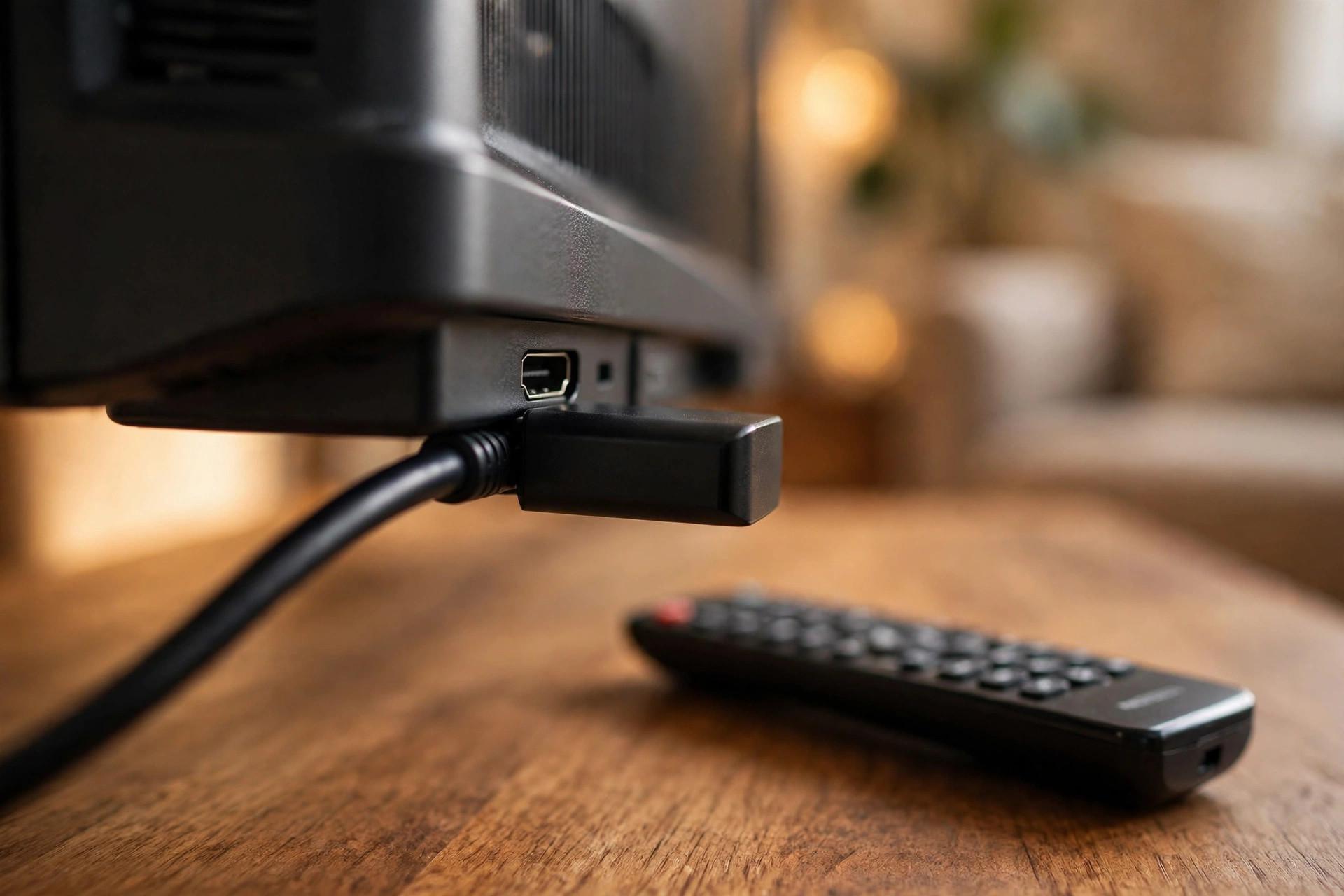
Buy the Firestick from Amazon, JB Hi-Fi or Noel Leeming, and check it is the New Zealand model with the Alexa voice remote. A Firestick bought overseas works, but the remote and the app store region can cause small headaches. Plug it into the HDMI port, use the power adapter in the box rather than the TV's USB port — the TV port often does not deliver enough power and the Stick reboots mid-match.
Firestick settings that stop buffering
The setting that matters most is the network. The Firestick 4K Max has Wi-Fi 6, so a 5 GHz network in the same room as the router is fast and stable; if the router is two rooms away, buy the official Ethernet adapter for about $25 and run a cable. A 4K stream needs about 25 Mbps steady, and most Chorus fibre plans deliver far more than that — the weak point is the Wi-Fi, not the fibre.
Turn off the Firestick's data monitoring and the apps you never use, and keep at least 1 GB of storage free — a full Firestick slows down and the EPG stops updating. Set the display to 4K 60 Hz with auto frame rate on, and set the player app to hardware decoding. If a match still freezes, follow the buffering fix guide before you blame the subscription.
Firestick IPTV problems and fixes
Downloader code does not work: the current code is available via Downloader (ask on WhatsApp for the current code) — enter it in the Downloader app, not in the Silk browser. Check the Firestick has internet — open the Appstore and confirm it loads. IBO Player shows a MAC address but no channels: the playlist is not activated yet, so send the MAC and key on WhatsApp and wait for the confirmation message.
App crashes on an old Firestick: clear the cache in Settings, then Applications, then Manage Installed Applications — never clear data, or the login and favourites go with it. If the Stick is more than four years old, the 4K Max is a genuine upgrade rather than a repair. Still stuck? Message support with the Firestick model and the error; remote help is free. Start a free trial and test it on the next match. Start with the trial, watch what you would normally watch, and only pay when the service has proved itself on your TV, on your fibre, at peak time.
Firestick 4K Max vs Fire TV Stick 4K vs Cube
Amazon sells three Firesticks in New Zealand, and the choice matters for IPTV more than it matters for Netflix, because the EPG on a big channel list is the hardest thing a streaming stick does. The Firestick 4K Max is the pick: it has the fastest chip in the range, 16 GB of storage, Wi-Fi 6 and proper 4K with Dolby Vision, and it opens the EPG and the channel list without the lag that makes channel surfing painful. The basic Fire TV Stick 4K is fine for one TV and one 4K stream, but it is slower to open apps and it struggles with the EPG on a list of 57,000 channels — the guide takes longer to load, and the favourites take longer to open. The Fire TV Cube is overkill for most lounges: it is a hands-free Alexa speaker as much as a streaming box, and the extra cost buys a speaker the household did not ask for.
Buy the Firestick from Amazon, JB Hi-Fi or Noel Leeming, and check it is the New Zealand model with the Alexa voice remote. A Firestick bought overseas works, but the remote and the app store region can cause small headaches, and the warranty is harder to use. Plug it into the HDMI port, use the power adapter in the box rather than the TV USB port — the TV port often does not deliver enough power and the Stick reboots mid-match — and connect it to the 5 GHz Wi-Fi network if the router is in the same room. The TiviMate guide shows the player setup once the Stick is running, and the Smart TV guide is the alternative if the household would rather use the TV itself.
| Device | Best for | Storage | Wi-Fi | Verdict for IPTV |
|---|---|---|---|---|
| Firestick 4K Max | Main lounge TV, big channel list | 16 GB | Wi-Fi 6 | The pick for IPTV in NZ |
| Fire TV Stick 4K | Second TV, one 4K stream | 8 GB | Wi-Fi 6 | Fine, but slower on the EPG |
| Fire TV Cube | Hands-free Alexa + TV | 16 GB | Wi-Fi 6E | Overkill for most lounges |
| Old Firestick (4+ years) | Nothing — time to upgrade | 8 GB | Wi-Fi 5 | Replace it, do not repair it |
Storage, apps and keeping the Stick fast
A Firestick slows down when it fills up, and a slow Firestick is the cause of more IPTV complaints than the subscription. The 4K Max has 16 GB of storage, and the rule is to keep at least 1 GB free — a full Stick slows down, the EPG stops updating, and the app crashes mid-match. Turn off the apps you never use, delete the ones you installed once and forgot, and turn off the Firestick data monitoring, which runs in the background and eats the connection. Clear the cache in Settings, then Applications, then Manage Installed Applications — never clear data, or the login and the favourites go with it. A restart from the settings menu once a week keeps the network stack clean, and it takes thirty seconds.
The display settings matter too. Set the display to 4K 60 Hz with auto frame rate on, so the picture matches the broadcast and the fast rugby pass does not judder. Set the player app to hardware decoding, which is the smoothest option on a Firestick — leave the player setting on the default unless support tells you otherwise. If a match still freezes, the network is the next check, not the app: the Firestick 4K Max has Wi-Fi 6, so a 5 GHz network in the same room as the router is fast and stable, and if the router is two rooms away, the official Ethernet adapter for about $25 and a cable is the fix that ends the argument. The buffering guide walks through the whole diagnosis in order.
Firestick on a second TV or at the bach
The Firestick earns its keep on the second TV and at the bach, because it turns any television with an HDMI port into a 4K streaming box. The bedroom TV, the kids TV, the old television in the sleepout — plug in the Stick, log in with the same details, and the channels are there. At the bach, the same Stick travels in a bag: plug it into the bach TV, connect it to the bach Wi-Fi, and the subscription follows the login, not the house. The bach Wi-Fi is the thing to check — a rural bach on fixed wireless or a 4G connection needs the HD feed rather than 4K, because a 4K stream needs about 25 Mbps steady and a rural connection may not deliver it at peak time. Drop to HD, and the game still plays clean.
For a household with two TVs going, the multi-device plans cover the second screen: two devices at $159.99 a year, three at $224.99 and four at $269.99 on Premium. Each screen runs its own channel — the rugby on the lounge TV, the kids shows on the bedroom TV — and the bill is split across the house. If the second TV is a Samsung or LG Smart TV, the app runs on the TV itself and no Stick is needed, and the Smart TV guide walks through that install. Either way, the setup is the same five minutes, and the free trial tests both screens on a match night before you pay.
When a Firestick is not the answer
A Firestick is not the answer for every television, and the honest cases are worth naming. If the lounge TV is a new Samsung or LG Smart TV, the app runs on the TV itself and the Stick is a spare remote and a spare HDMI port for nothing. If the household watches mostly on an Android TV — a Sony or a TCL — the TV already runs TiviMate natively, and the Stick adds nothing. If the TV is more than ten years old and has no HDMI port that works properly, the Stick will not fix it, and the television is the problem, not the device. And if the household has no reliable internet at all — a rural house on a slow copper line — no device will make 4K work, and the honest setting is HD on the best connection the house has.
The other case is the household that never wants to think about the television. A Firestick needs the occasional restart, the occasional cache clear, and the occasional app update, and a household that wants the box, the remote and the channel numbers to stay the same for ten years is better served by the simplest setup it can find — which might be the Smart TV app, or might be keeping the old way of watching. For everyone else, the Firestick 4K Max is the cheapest upgrade in the house, and the free trial on the next match is the fastest way to prove it. Start with the trial, watch what you would normally watch, and only pay when the service has proved itself on your TV, on your fibre, at peak time.
If the Downloader code does not work, the current code is available via Downloader (ask on WhatsApp for the current code) — enter it in the Downloader app, not in the Silk browser, and check the Firestick has internet by opening the Appstore and confirming it loads.
The Firestick remote: shortcuts worth knowing
The Alexa voice remote that comes with the Firestick 4K Max is the part of the device most households underuse, because the shortcuts save the evening. Hold the Home button to reach the settings, the apps and the sleep mode without digging through menus. Use the voice button to open an app by name — say the name of the player, and the Stick opens it — and use the recent-apps view to switch between the IPTV player and the news app without going back to the home screen. The remote pairs over Bluetooth, so it works even when the Stick is hidden behind the television, and the batteries last months rather than weeks. Keep a spare pair of batteries in the drawer beside the television, because the night the remote dies is always the night of the big game, and the phone app that controls the Firestick is the backup if the remote is lost down the side of the couch.