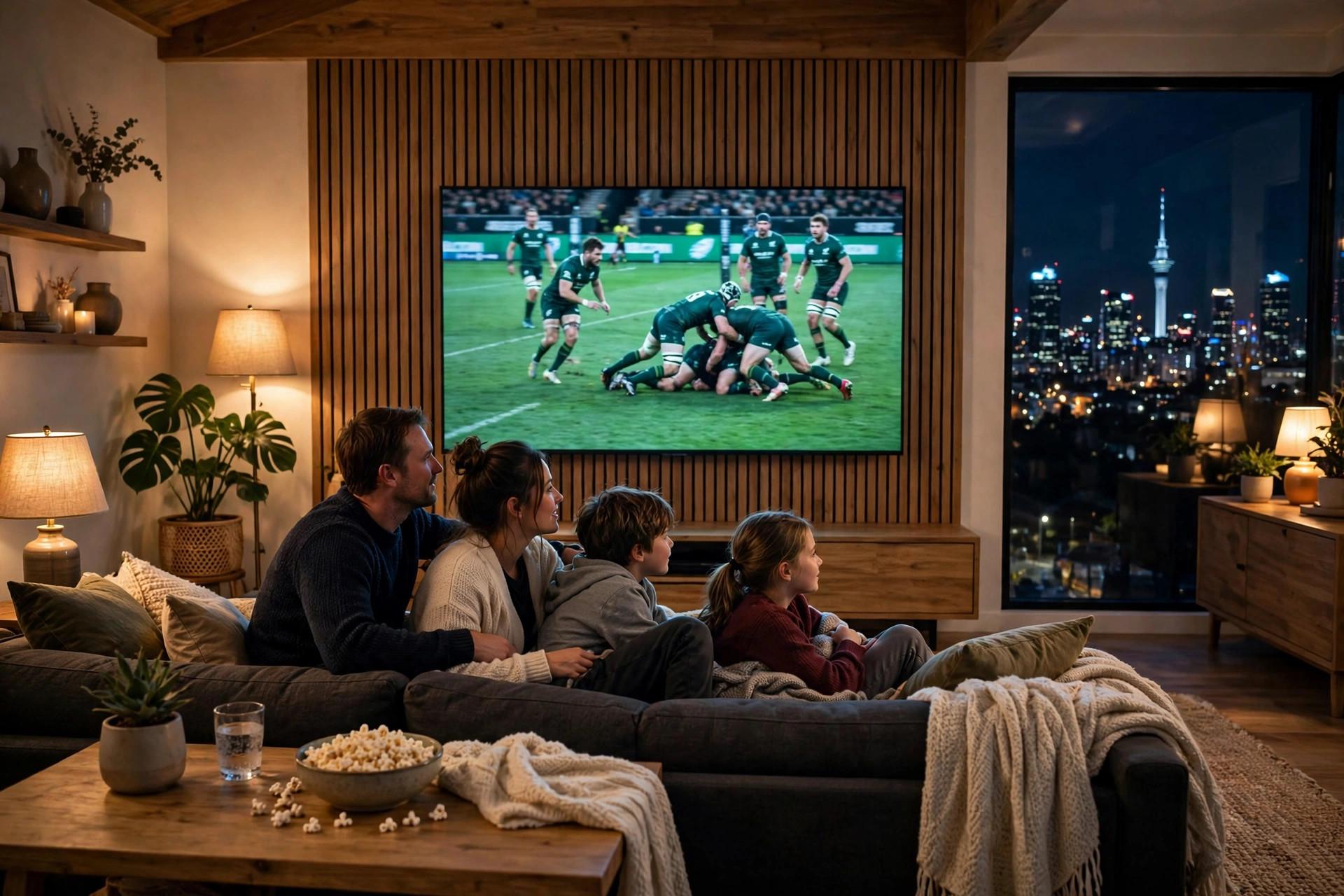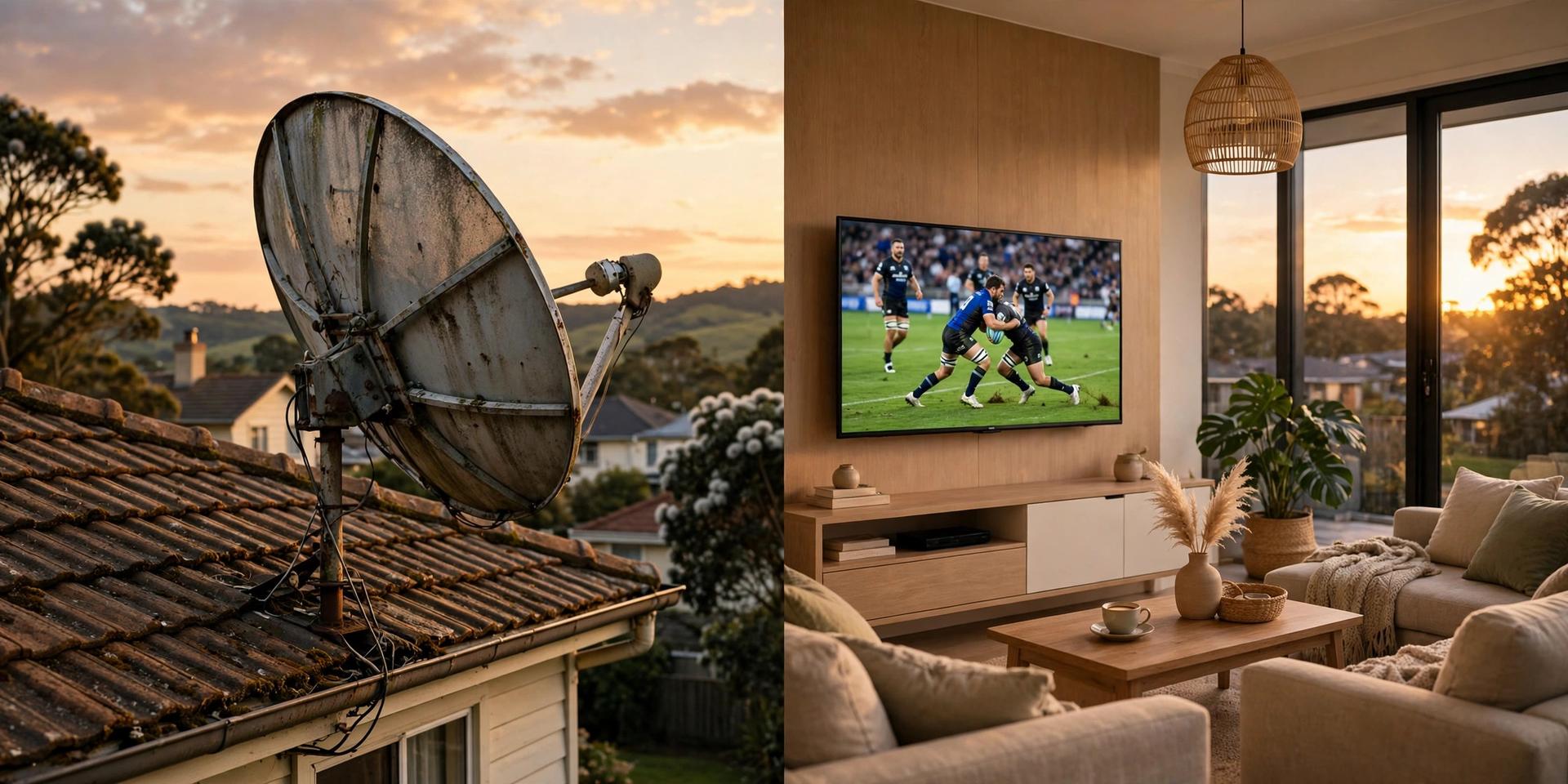
People searching for IPTV vs Sky New Zealand usually want one thing: the honest price gap, and what you lose by switching. Sky has been the default television in New Zealand for thirty years, and for most of that time it was the only way to watch the All Blacks at home. That is no longer true. The same Sky Sport NZ channels now arrive over the internet, in the same quality, on the Firestick or Smart TV already in the lounge — and the bill is a fraction of the Sky box. This guide compares the two on price, channels, sport and the practical details, and it is honest about what IPTV does not do.
The comparison matters because the switching cost is low and the saving is large. A household that cancels the Sky box and keeps one IPTV subscription saves roughly $1,000 a year, and the only things it loses are the Sky box itself, the Sky recording service, and the habit of channel numbers. Everything else — the rugby, the league, the cricket, the movies — is the same.
IPTV vs Sky New Zealand: The Price Comparison
A Sky box with the basic pack and the sport pack costs more than $100 a month for most households, once the box rental and the add-ons are counted — over $1,200 a year, every year. Add Netflix and Neon and the total passes $140 a month. One Premium IPTV subscription at $99.99 a year, or $19.99 a month, replaces the lot for most viewers, because it carries the Sky Sport channels, the movies and the series in a single subscription.
The maths is not close. The annual Premium plan works out to about $8.33 a month, against a Sky bill that is more than ten times that. The free trial makes the comparison honest: run it for 24 hours, watch what you would normally watch, and count what is missing. Most households find nothing missing. See the full price table.
What you keep, and what you lose
You keep the sport. Sky Sport 1 to 9, the All Blacks, Super Rugby Pacific, the NRL, Black Caps cricket, the Premier League, Formula 1 and the UFC all arrive on the same channels, with the same commentary and the same kick-off times. You keep TVNZ 1, TVNZ 2, Three and Sky Open, and you gain 185,000 movies and series that no Sky pack includes.
You lose the Sky box and its recording service. IPTV has catch-up and the EPG, and TiviMate Premium adds recording, but it is not the same as a Sky box that records every episode of a series automatically. You also lose the Sky channel numbers you have memorised over twenty years — the EPG and favourites replace them, but the first week takes adjustment. And you lose the satellite dish, which is a gain for most roofs. Check the channel list before you cancel anything.
Switching from Sky to IPTV: the order that works
Do not cancel Sky first. Start the free 24-hour trial on a Friday, watch the weekend's sport and the week's television, and check the five channels the household actually watches. If the trial holds up, buy a one-month plan and run it alongside Sky for a month. If the month holds up, cancel the Sky box and move to the annual plan at $99.99.
Return the Sky box promptly — Sky charges for unreturned equipment — and keep the dish on the roof, because it costs nothing to leave it there and it is useful if you ever go back. Tell the household the new routine: favourites on the remote, the EPG for the guide, and WhatsApp for support. Follow the Firestick setup if the lounge TV needs a device.
When Sky is still the better choice
Sky is still the better choice for one household: the one that records everything and watches it a week later. The Sky box records series automatically, stores them on a hard drive, and plays them without an internet connection. IPTV catch-up covers most of that, but not all of it, and a house with no reliable internet should not switch at all — IPTV needs the fibre, and the dish does not.
Sky is also the simpler choice for a household that never wants to think about the television. The box, the remote and the channel numbers are the same as they were ten years ago, and nothing needs a message on WhatsApp. If that simplicity is worth $100 a month to you, keep Sky. If the saving matters more, the trial costs nothing to run. Start the free trial and let the weekend decide. If you are still deciding, the free 24-hour trial is the fastest way to answer the question on your own TV: start it on a Friday, watch the weekend, and decide with the evidence in front of you.
Sky Sport Now and Sky Go vs IPTV
Sky Sport Now and Sky Go are the two streaming products Sky sells alongside the box, and they are the comparison most households make before they look at IPTV. Sky Sport Now is the streaming version of the Sky Sport channels — the All Blacks, Super Rugby, the NRL and the cricket, live and on demand, on a phone, a tablet or a TV, with no box and no dish. Sky Go is the app that comes with a Sky subscription, letting the household watch the channels it already pays for on a second screen. Both are good products, and both carry the same Sky Sport NZ broadcast, with the same commentary and the same kick-off times. The difference is the bill and the breadth: Sky Sport Now carries the sport, and the household still needs Netflix for the movies and Neon for the series, while one IPTV subscription carries the sport, the movies and the series in a single bill.
The practical comparison is the monthly total. Sky Sport Now plus Netflix plus Neon passes $100 a month for most households, and the Sky box with the sport pack costs more than that before the streaming apps are added. One Premium IPTV subscription at $99.99 a year, or $19.99 a month, replaces the lot for most viewers, because it carries the Sky Sport channels, the movies and the series in a single subscription. The free trial makes the comparison honest: run it for 24 hours, watch what you would normally watch, and count what is missing. Most households find nothing missing, and the price breakdown shows the full annual maths. The channel list names the channels the price buys, so the household can check the five channels it watches most before it cancels anything.
Recording, catch-up and the Sky box habit
Recording is the one thing the Sky box does that IPTV does not do in the same way, and it is worth being honest about it. The Sky box records series automatically, stores them on a hard drive, and plays them without an internet connection — the household sets a series link once, and every episode is there a week later. IPTV has catch-up and the EPG, and TiviMate Premium adds recording, but it is not the same as a Sky box that records every episode of a series automatically, and it needs storage — a Firestick with 16 GB fills fast, so record the match, watch it, and delete it, or use an Android TV box or a Shield with more room. For most households, catch-up covers the need: the replay sits in the sports group the next morning, the highlights show runs in the evening, and the series are in the on-demand library of 185,000 movies and 49,000 series.
The other habit the Sky box builds is the channel numbers — the household that has memorised Sky Sport 1 as channel 51 and TVNZ 1 as channel 1 for twenty years has to learn the EPG and the favourites instead. The first week takes adjustment, and the habit to build is the favourites: long-press Sky Sport 1, Sky Sport 4 for the NRL, TVNZ 1, TVNZ 2 and Three, and add them on day one, so the remote takes you straight to the match without scrolling. The EPG replaces the channel numbers, and the search finds a channel by name faster than any number. The TiviMate guide shows the favourites and the EPG in detail, and the Firestick guide walks through the device if the lounge TV needs one.
The bill, line by line: what Sky actually costs
A Sky box with the basic pack and the sport pack costs more than $100 a month for most households, once the box rental and the add-ons are counted — over $1,200 a year, every year. Add Netflix and Neon and the total passes $140 a month, which is more than $1,680 a year for the television in one house. One Premium IPTV subscription at $99.99 a year works out to about $8.33 a month, against a Sky bill that is more than ten times that, and the multi-device plans — two devices at $159.99 a year, three at $224.99, four at $269.99 — cover the whole household for less than two months of the Sky box. The maths is not close, and it is the reason the switching cost is low and the saving is large: the only things the household loses are the Sky box itself, the Sky recording service, and the habit of channel numbers.
Be honest about what you would miss before you cancel. If there is a single show that only exists on one streaming app, keep that app and drop the rest. Most households find the IPTV movie and series library covers what they watch, and the free trial is the way to check — run it for 24 hours, watch what you would normally watch, and count what is missing. If nothing is missing, buy a one-month plan and run it alongside Sky for a month. If the month holds up, cancel the Sky box and move to the annual plan at $99.99. Return the Sky box promptly — Sky charges for unreturned equipment — and keep the dish on the roof, because it costs nothing to leave it there and it is useful if you ever go back. The free trial guide shows how to test the whole household in 24 hours.
Keeping Neon or Netflix alongside IPTV
The household does not have to choose one or the other, and the honest answer for some households is to keep one streaming app alongside IPTV. Neon carries the HBO series and the local drama that some households will not give up, and Netflix carries the originals that never leave its platform. Keeping one of them and dropping the Sky box still saves most of the money: the Sky box is the expensive part, and one streaming app is a fraction of it. The IPTV library of 185,000 movies and 49,000 series covers most of what the household watches, and the app that stays is the one with the single show the household cannot find anywhere else. The free trial is the way to count: run it for 24 hours, watch what you would normally watch, and list what is missing. If the list is one show on one app, keep that app. If the list is empty, drop the lot.
The other combination worth knowing is the free apps. TVNZ+ and ThreeNow are free and legal, and they cover the local free-to-air channels whatever else the household watches — TVNZ 1, TVNZ 2, Three, and the Kiwi drama and reality shows that only exist there. A household that keeps TVNZ+ alongside IPTV has the local channels twice over, which is the safety net if anything ever goes wrong with the subscription. Sky is still the better choice for one household: the one that records everything and watches it a week later, and the one with no reliable internet, because IPTV needs the fibre and the dish does not. For everyone else, the trial costs nothing to run, and the fibre speed guide shows whether the house has the connection to make the switch.
Do not cancel Sky first. Start the free 24-hour trial on a Friday, watch the weekend's sport and the week's television, and check the five channels the household actually watches. If the trial holds up, buy a one-month plan and run it alongside Sky for a month. If the month holds up, cancel the Sky box and move to the annual plan at $99.99 — and let the weekend decide.